AppleFree on the App Store

A visual planner built for busy brains

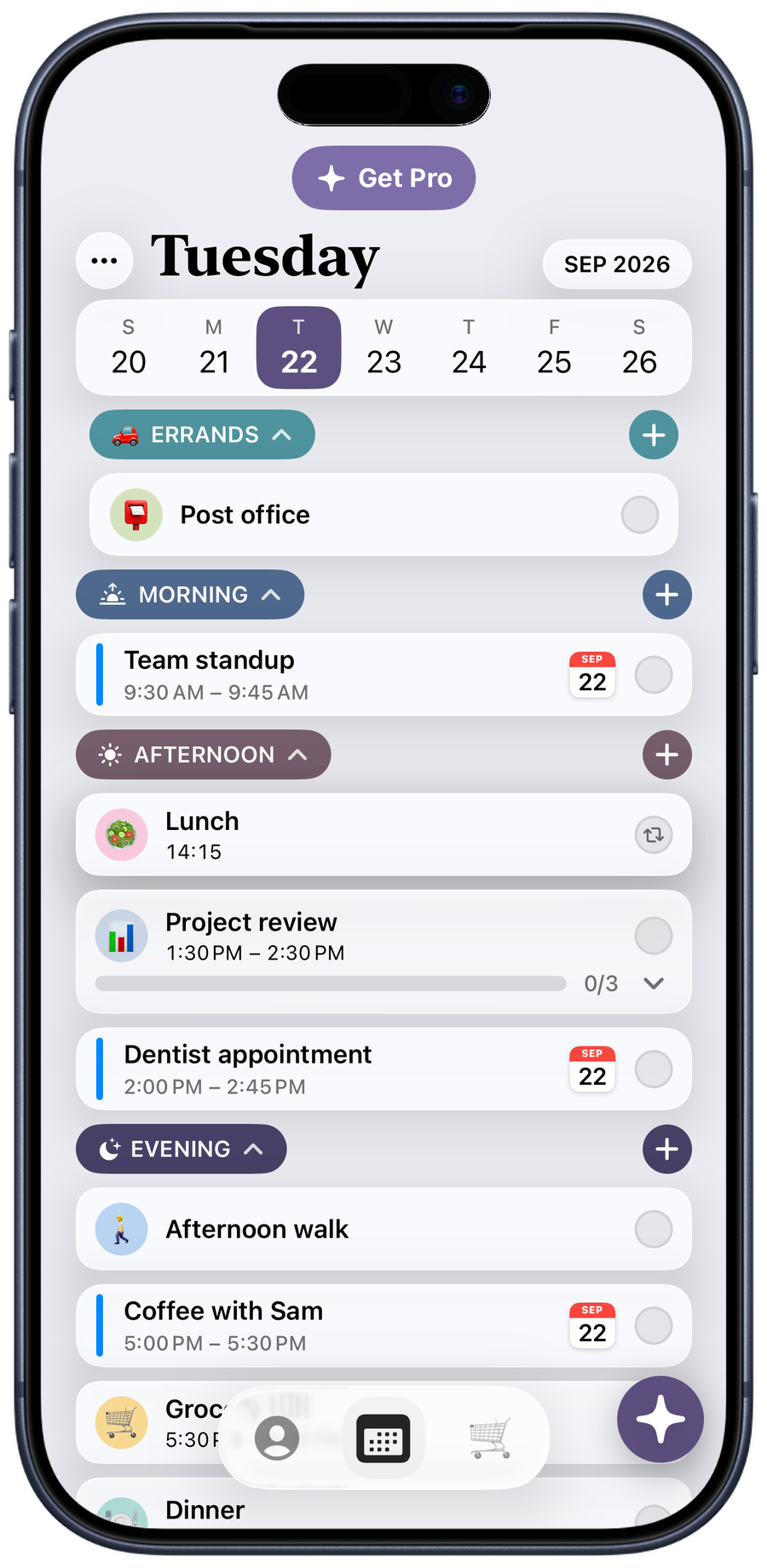
A day in Taskly: morning, afternoon and evening tasks on the schedule

A planner you can just talk to

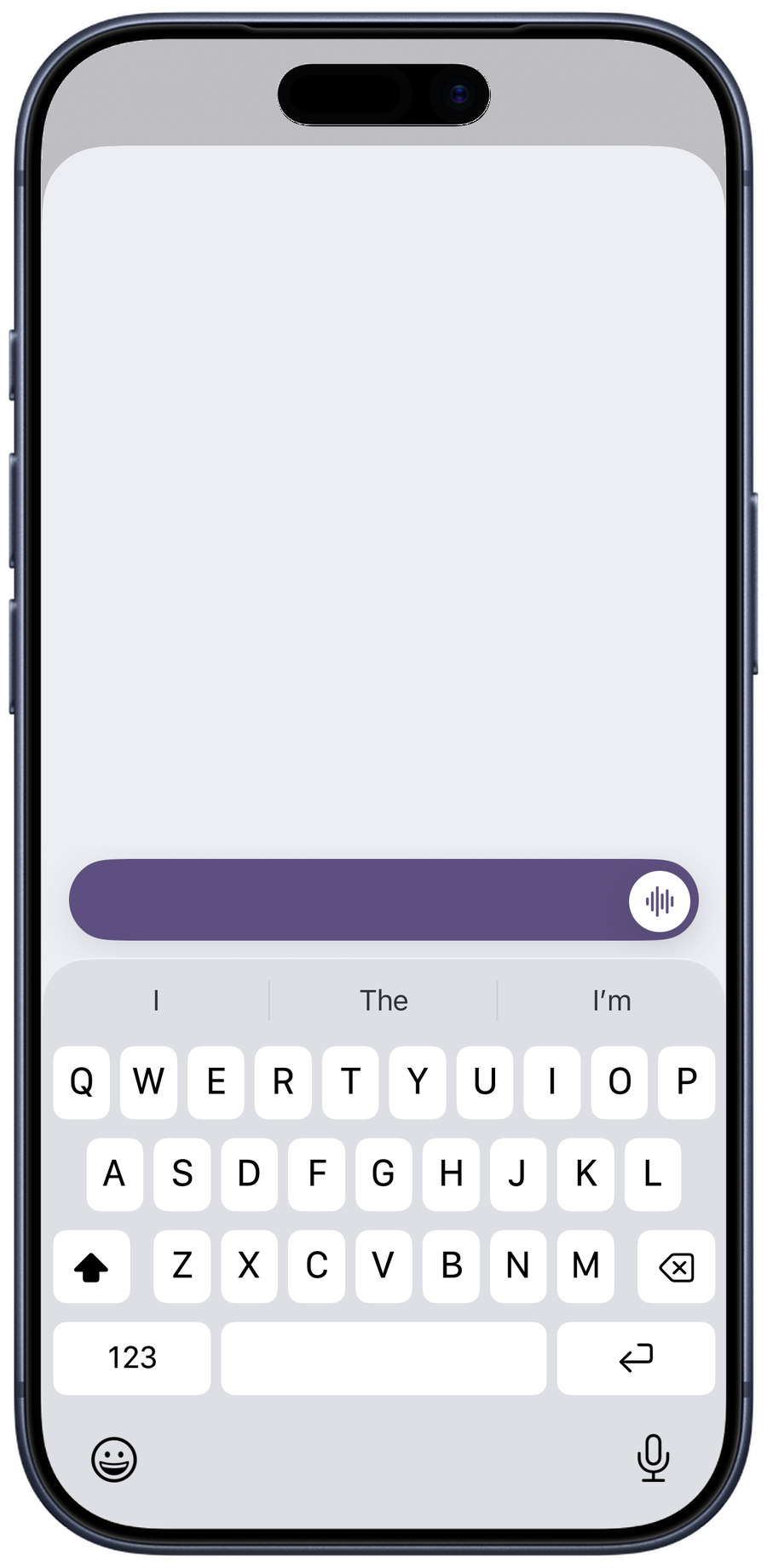
Tell Taskly what's on your plate, typed or spoken. It turns the jumble into real tasks with times and reminders, lined up on your calendar and ready to check off. You can even connect the chatbot you already use, ask ChatGPT or Claude for a plan, and the tasks are waiting on your phone.

See how the assistant works
Works with ChatGPT Works with Copilot Works with Grok Works with Gemini Works with Cursor Works with Claude Works with OpenCode Works with Antigravity

Little tools that get a lot done

A day in three chapters

Morning, afternoon and evening keep the list small enough to face. Check things off as you go and watch the day actually move.

Learn more

Every task gets a face

Type dinner and a plate shows up. Taskly matches an emoji to almost anything you write, so the list reads at a glance.

Learn more

Add without opening the app

The widget's circles drop a task straight into your morning, afternoon or evening. One tap from the Home Screen, done.

Learn more

Nudges that know your day

A morning, midday and evening check-in that names what is on the list, not just that an app misses you.

Learn more

Big things, broken into steps

Add a few steps under any task and tick them off one at a time. The bar fills as you go, so the thing you have been avoiding stops looking like one impossible block.

See how steps work
How much does Taskly cost?

Taskly is free to download and free to use for planning your day. Some extras sit behind Taskly Pro, and you will always be told clearly before anything costs money.

Do I need an account?

Yes, and only an email address. Taskly never asks for your name. An account is what keeps your tasks safe if you lose your phone or reinstall the app.

What happens to my data?

Your tasks sync to your own private account so they come back when you sign in again. They are not sold and not shared. The full details are on the privacy page.

Do I have to be diagnosed with anything to use Taskly?

Not at all. Taskly was built for brains that find ordinary planners exhausting, which turns out to be a lot of people. If a shorter list and a clearer day help you, it is for you.

Which AI assistants can Taskly connect to?

Any assistant that speaks the Model Context Protocol, including ChatGPT, Claude, Gemini, Cursor, Copilot, Antigravity and OpenCode. Connecting is a one-time sign in, and your assistant only ever sees your own tasks.